WordPress, Shopify or custom development: which one is right
Every supplier recommends what they know how to do. The practical version: what really separates the three options, what each one costs to sustain, and the four questions that settle the decision.
The tricky part about that comparison is that every supplier will recommend what they know how to do, with technical arguments you have no way of verifying. So let's get practical: which kind of company each one suits, what it costs to keep running after delivery, and one simple question you can ask anyone to find out what they're actually selling you.
The short answer: which one suits your case
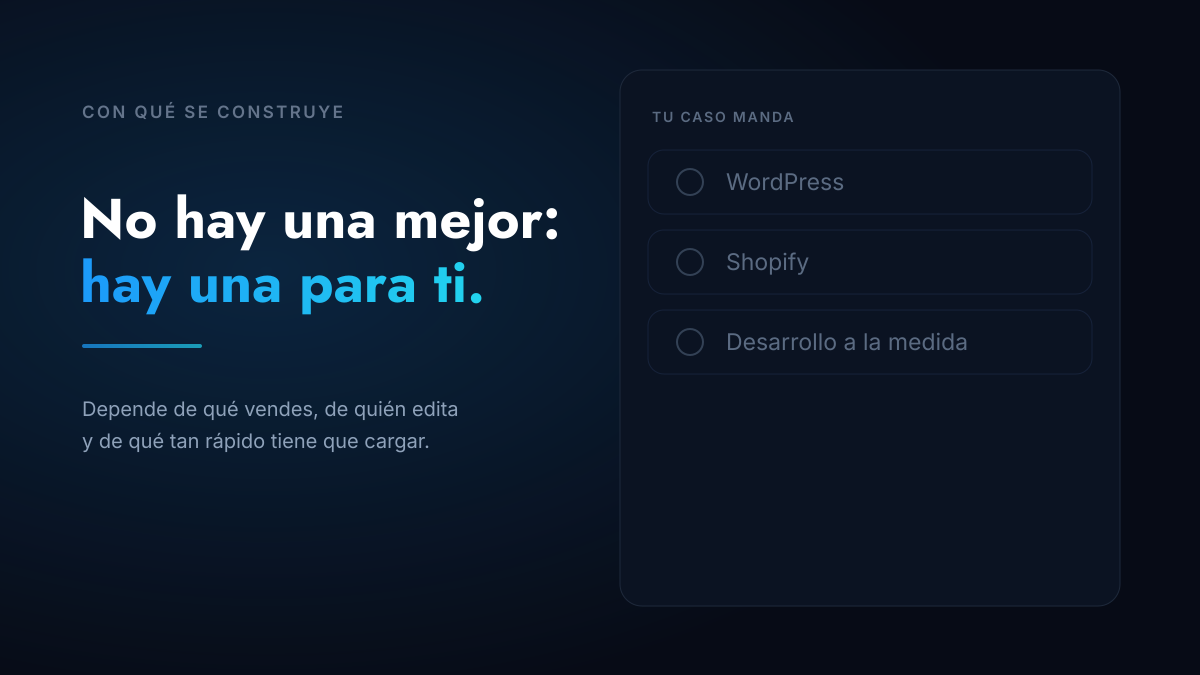
If you need to build pages yourself regularly, WordPress. If you sell products and want to stop worrying about maintenance, Shopify. If your priority is a site that loads very fast and that Google and artificial intelligence can read properly, a high-performance site. It isn't about which is better: it's about who is going to maintain it and what it has to achieve.
That's what you'll read in any comparison. What you're almost never told —and it's exactly what lets you decide with your own judgment— is what really separates the three.
Before comparing: what really separates them
"Pure code", "custom", "in-house development": those are the labels you'll hear in meetings, and none of them tells you much. All three options involve custom work — in all three the design is drawn for your brand and programmed for what your business needs. Nobody serious will hand you a purchased template with your logo on top.
What does change, and change a lot, is what happens the instant someone opens your page. It's worth seeing with an example, because everything else follows from it.
Imagine your website is your company's brochure. With WordPress or Shopify, the brochure gets printed every time someone asks for it, every time someone visits your site: the copy is fetched from the filing cabinet, the photos are found, it's laid out, the add-ons that piled up over the years are stacked on, and only then is it handed over — your page loads. It works, and it takes a second, but it requires keeping the machine on all day and someone watching that it doesn't break. On a high-performance site the brochure was printed once, the day you published it, and there's a stack ready on the counter: whoever asks for it gets it, done. When you change something a new stack is printed replacing the old one, so you edit exactly as before.
Translated: the machine is the server, the filing cabinet is the database and the add-ons are the plugins. On WordPress and Shopify all three have to be running every time someone enters your site. On a high-performance one, none of them is needed.
That's where the differences you'll actually notice come from: the speed, how much there is to maintain and how easy it is for Google or an AI to read what's inside.
That said, there's something people will argue back and it's true: a well-built WordPress and a well-set-up Shopify store also fly. You get there with judgment —a lightweight theme, few plugins, processed images, caching set up properly. What changes is where that speed comes from. There you achieve it and then you defend it every time someone wants to install something new; on the high-performance one it comes built in and doesn't depend on anyone behaving.
So when you're comparing quotes, the most useful question isn't what they call it, but this one: is my site going to assemble each page every time someone enters, or will the pages be assembled from the moment they're published? It's the brochure question, and with that answer you know which of the three they're talking about, whatever they call it.
| Pros | Cons | Who it's for | |
|---|---|---|---|
| WordPress | You edit and build pages yourself; someone can maintain it in any city; thousands of plugins | Weight: theme plus plugins plus visual builder is the short road to a slow site. Requires updates and backups | Companies with someone in marketing who is going to touch the site often |
| Shopify | The store runs itself: payments, inventory, shipping and security all solved | Platform subscription and commissions; customizing beyond the theme has a ceiling | Anyone selling products who doesn't want to run a server |
| High Performance | Near-instant loading without having to look after it, clean code that search engines and AI read without stumbling, and almost nothing to maintain: no server, no plugins, no database | You edit content, you don't redesign pages by dragging blocks. You depend on whoever built it for fundamental changes | Anyone competing for attention who needs sustained speed and visibility |
None of them is better on its own. First define what the site has to do —sell online, bring you qualified leads, hold your brand where the competition already is— and only then look at who's going to maintain it: if someone on your team is going to touch it every week, that weighs more than any technical comparison.
WordPress: flexible, and delicate for that very reason
It's by far the most common option, and its real advantage is commercial, not technological: you can build new pages without calling anyone and you can change supplier without getting stranded, because almost anyone knows how to handle it. For a company with someone dedicated to marketing, that's worth a lot.
The cost shows up in the weight. The quick route —buy a theme, install a visual builder and add eight plugins— delivers a site that looks good and loads slowly, and there it starts losing people before they see anything. You can build a lightweight WordPress, of course you can; what you have to know is that it takes judgment and discipline, it doesn't come by default.
The other thing worth budgeting from the start is maintenance: updates, backups and security. It isn't optional, and an unmaintained site is the most frequent cause of avoidable scares.
And for selling online? That works too, with WooCommerce, which is WordPress's commerce extension: catalog, cart and payments inside your own site, with no platform subscription or commission. Now, a store is a living system —payments, inventory, shipping, security— so there maintenance stops being advisable and becomes mandatory. If you don't have someone watching over that, Shopify will give you far fewer headaches. WooCommerce starts paying off when volume grows enough for the platform commission to weigh more than the cost of maintaining your own store.
Shopify: if you sell products, start here
When the business is selling online, the conversation changes: what matters stops being the design and becomes making sure the payment works, the inventory adds up and the store doesn't go down on a Friday promotion. Shopify solves all of that out of the box and charges you for it, with a subscription and commissions.
It's a good deal for most stores, and it's worth looking at in terms of what you save: you don't run a server, you don't chase updates and the payment and shipping integrations already exist. The ceiling appears when you want a very particular buying experience or when volume grows so much that the commission starts to weigh more than the operational saving.
That's where it makes sense to separate the storefront from the engine: the store your customer sees is built separately, with the high-performance architecture, and Shopify stays underneath doing what it does well —catalog, inventory, payments and checkout. That's how our High-Performance E-commerce is built, and note the detail: it isn't "Shopify or pure code", it's both at once. Local payment gateways keep working the same, because the payment never leaves Shopify.
High performance: when speed and visibility are the business
You already know what makes it different: the stack of brochures is printed before the first person arrives to ask for one. What matters now is what that changes in your day to day, and it's two things that can also be measured. The first is speed: with no theme, no plugins and no database in the way, meeting the thresholds Google uses to measure experience —the Core Web Vitals— stops being a fight and becomes the starting point.
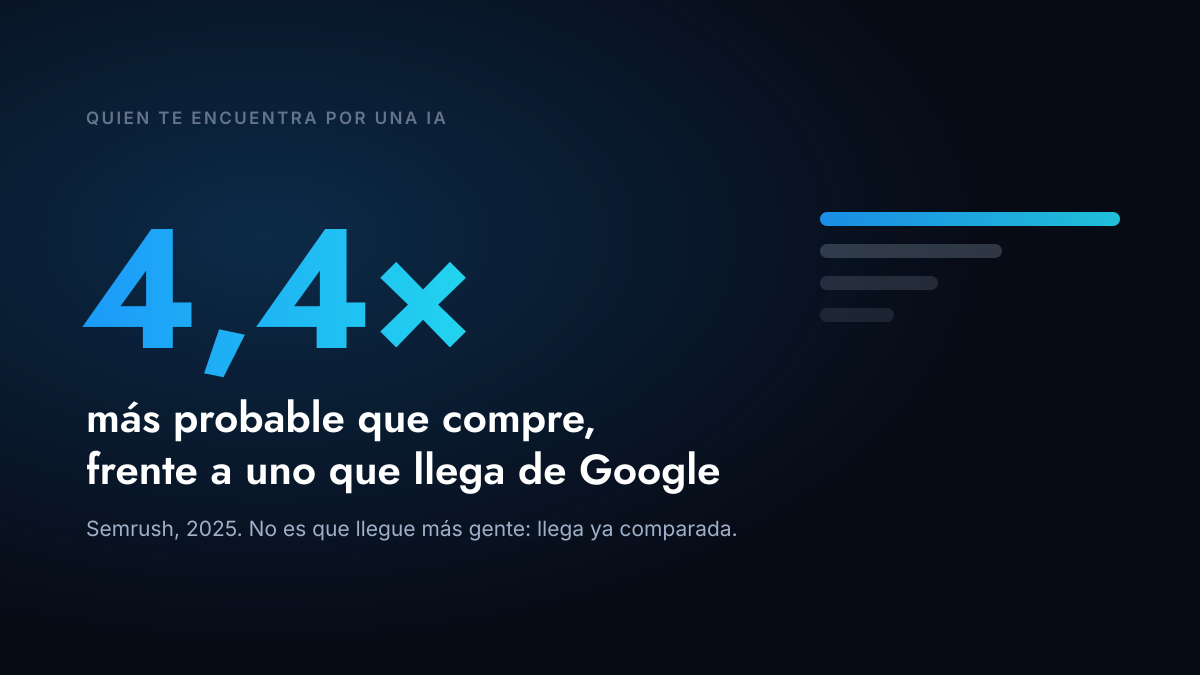
The second is newer and carries more weight every day: how easy it is for an artificial intelligence assistant to read your site and cite you. When the content is in clean code, with a clear structure and properly marked-up data, AI understands it effortlessly; when it's buried in theme layers, it skips it. And that channel is no longer marginal: someone arriving on an AI's recommendation usually arrives far more decided to buy. If you want the detail, in websites AI can read and cite you can learn more about what it takes.
The trade-off has to be said: you normally edit content —copy, images, blog posts— but you don't redesign pages by dragging blocks. For many companies that's an advantage, because the design doesn't fall apart over time. If your plan is to build new pages every week with your own team, then WordPress will serve you better, and the healthy thing is to be told that before signing.
The four questions that decide it
They come in this order on purpose: first what the site has to do, and only at the end who's going to maintain it.
- Do you sell online or capture leads? It's first because it defines the rest. Selling calls for a commerce platform that handles payments, inventory and shipping; capturing leads calls for a clear message and forms that work. Both need speed equally: a slow store loses carts exactly the way a slow site loses form submissions.
- Do you want AI to recommend you when someone asks about what you do? If that's your priority, high performance is the best foundation, for one concrete reason: assistants cite what they can read without stumbling, and there the content reaches them clean, well structured and with the data marked up, with no theme layers on top. We work on it in the other two as well —we do— but there you fight against the build instead of starting from it.
- How contested is your ground? Where several players fight over the same search, the difference is settled in details: speed, structure and content that answers specific questions. That's where high performance pays for itself.
- Who is going to touch the site and how often? With the objective already clear, this is the one that tips the balance. If it's your team, every week, building new pages: WordPress. If it's content —articles, copy, photos— any of the three works.
There's one more, worth not forgetting because it decides more than it seems: what it costs you to sustain each option over the next three years, not just to set it up. In how much a corporate website costs in Colombia you can learn more about that calculation: the price ranges for each option and what moves them from one quote to another.
How we do it at Statum Digital
We work all three routes, and that's exactly why we can recommend the one that suits you instead of the one we know how to do. The conversation starts with your case —who edits, what you sell, how fast you need to grow— and the recommendation comes out of that, with the argument on the table.
It's designed and built by our team of specialists, with years of experience in design and development, and with artificial intelligence built into the rest of our tools. For you that changes one very concrete thing: what used to take months we deliver in days, without sacrificing what actually matters, which is how it's made on the inside and how it looks on the outside. The domain, the hosting and the credentials are in your name from day one.
On all three routes we leave the site in a condition for search engines and AI assistants to read it and cite it; on the high-performance one that foundation comes out cleaner because there are no theme layers in the way. It's worth being clear about how far that goes: it makes you citable, and being the brand AI recommends in a contested market is sustained work on content and reputation, which is what we do in the SEO and GEO service.
Not sure which one fits? Tell us what you sell, who is going to manage the site and when you need it, and we'll tell you which of the three we recommend and why — even if the answer is the cheapest of the three.
Frequently asked questions
Is WordPress suitable for a serious company or is it just for blogs?
It's suitable: according to W3Techs' web technology survey, WordPress is behind an enormous share of the world's sites, many of them corporate. Its "blogs only" reputation was left behind years ago. What has to be watched is how it's built: the difference between a lightweight WordPress and a heavy one isn't the platform, it's how many layers were stacked on top.
Can I migrate from one option to another later?
Yes, and it's done often. What has to be planned is preserving the addresses you already rank for, redirecting one by one the ones that change. The content can be carried over; what can't is the design, so migration always means redoing the visual side. Worth asking before signing, not after.
Can't you build a custom WordPress that's also fast?
Yes, and we do. Every well-made WordPress involves its own design and programming: "custom" isn't what separates one option from another. And with a lightweight theme, few plugins, processed images and caching set up properly, a WordPress performs very well. What's worth knowing is that this speed has to be sustained: every plugin installed later can set it back, so it needs someone looking after it. On a high-performance site it doesn't depend on that discipline, simply because there are no plugins to install.
Is it true that a high-performance site is harder to maintain?
It changes the type of maintenance, not the amount. A WordPress requires updating the platform, the theme and the plugins regularly, and that's where most of the scares live. A high-performance site has far less to update —no server, no plugins, no database— but for fundamental changes you depend on whoever built it. That's why it matters that the code and the credentials are in your name.
What about the build-it-yourself site platforms?
They're fine for getting by: a company starting out that needs a presence quickly does well to use them. The limit appears when you want to compete for searches, when you need speed or when the store grows. At that point migrating costs more than having started with the right option, so it's worth thinking two years ahead and not two months.
Does the technology affect Google ranking?
Indirectly, in two ways: speed and how easy it is for the search engine to read the content. Google doesn't reward one platform over another, but in practice it does penalize slow sites and sites that hide their content behind layers. A lightweight site starts with an advantage on the same ground, with the same content.
What does each of the three cost?
Our rates are published: a One Page from COP 1,500,000, a multi-page site from COP 3,500,000 and a high-performance site with a content manager included from COP 5,000,000. To sell online, a WordPress store from COP 4,200,000, Shopify from COP 6,000,000 and a high-performance store from COP 9,500,000 —your own storefront on the Shopify engine. The detail of each plan is on our web design and development service.
I have a small budget. Which one suits me?
Less than the platform, what matters is the scope: it's almost always better to start with fewer pages done well than with a big site done halfway. A single well-built page, fast and with a clear message, performs better than ten empty sections, and growing later is cheap. What's expensive is rebuilding everything in a year.
Does AI name your brand?
Enter your domain and we tell you in seconds whether AI already recognizes your brand, and what your site is missing for the engines to read you.
Free, in seconds, no signup.